
“We replaced separate lunch and dinner QR prints with one dynamic code. Menu changes now take less than a minute.”
Marta P.
Owner, 2-location cafe group
Free forever. No credit card required. QR codes never expire.
Loading the QR code maker
Some QR generators switch your codes off when a trial ends or you stop paying. QR Cake doesn't: a saved code keeps working as long as your account exists, even after you cancel a paid plan. On free and canceled accounts, scans open a short ad page before the redirect; paid plans skip it.
A dynamic QR code stores a short QR Cake link instead of your final address, so you can change where it goes after printing. Fix a typo, swap in a new menu or send a poster to this month's campaign page without ordering a new print run.

The QR Cake app for Canva adds a QR code to any design without leaving the editor. Sign in with your QR Cake account and the code is dynamic: it shows up in your dashboard, and you can change where it points later.
Open the QR Cake app on CanvaPick colors or a gradient, change the dot and corner styles, put your logo in the middle and add a frame with a call to action.
Start with up to 5 dynamic codes at no cost. Paid plans raise that limit and remove the short ad page shown before your link. Make your first code
See how many times each code is scanned, from which countries, on which devices and at what hours. Live scan analytics come with the Pro and Business plans.
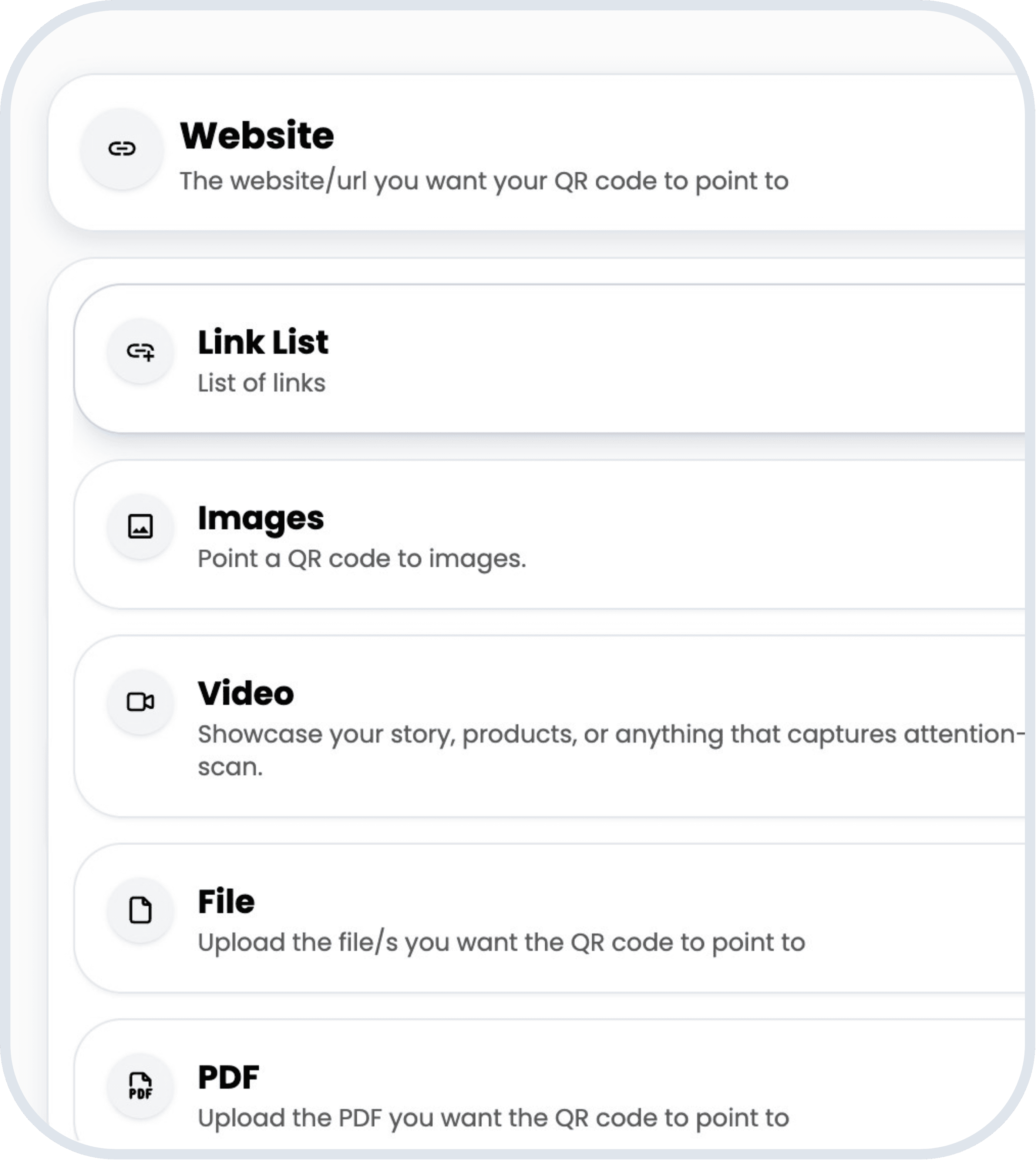
Link to a website or share a PDF, images, a video, audio, a downloadable file, a vCard, an event, an app, review links or a link-in-bio page.
Download as PNG, SVG, JPEG or WebP. PNG, JPEG and WebP files are 2048 px on the long edge, and SVG scales cleanly to any print size.
Change the link, swap the file or edit the page from your dashboard. The printed code stays the same, so there's nothing to reprint.
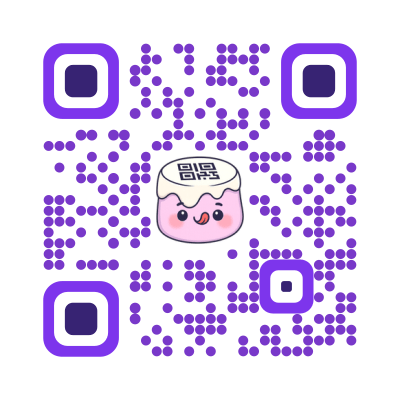
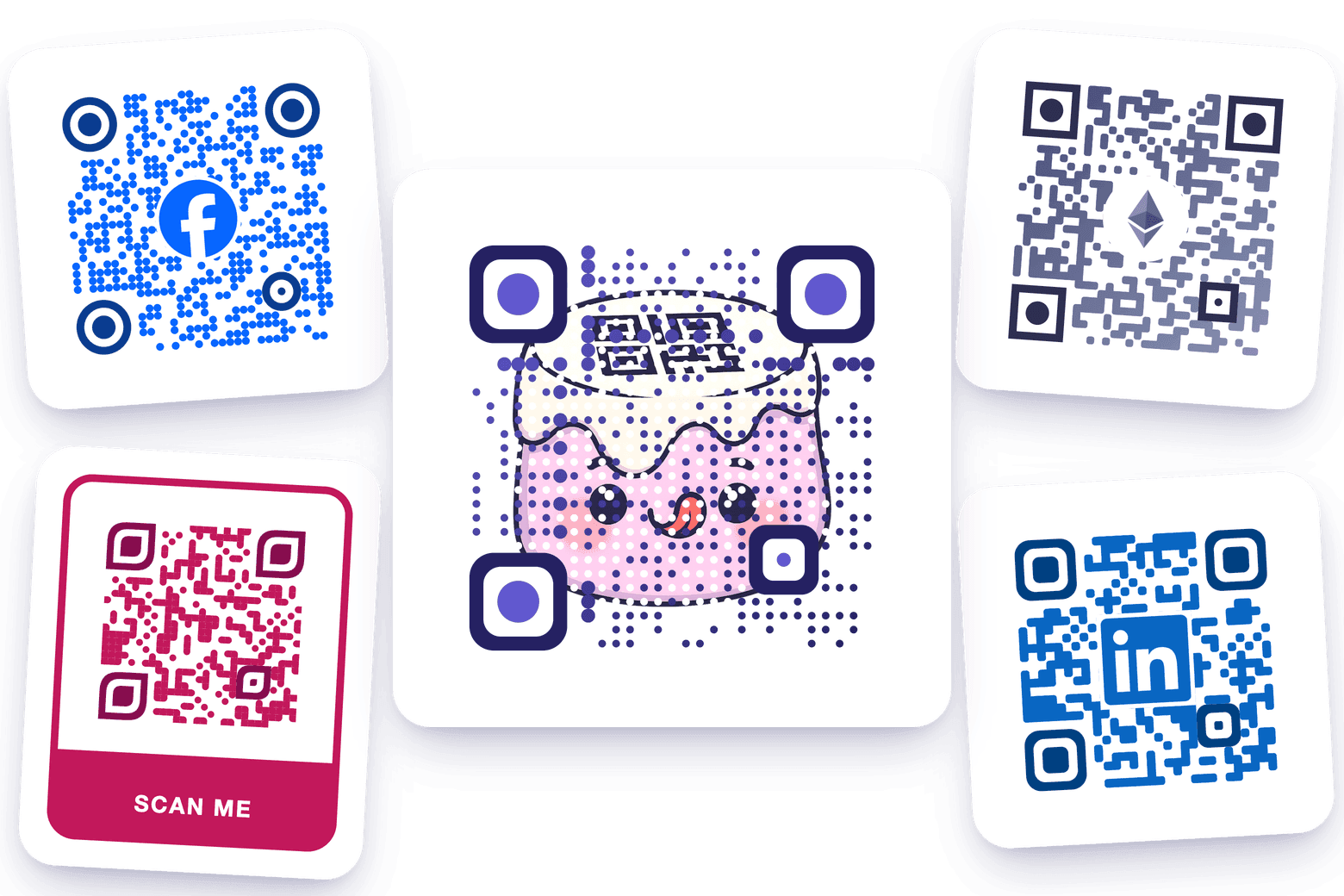
Your QR code does not have to look like a plain black square. Add a logo, choose colors, and make a code that feels at home on your menu, flyer, label, poster, or business card.
See how your codes are used without digging through spreadsheets. On the Pro and Business plans, QR Cake shows scans over time, by country and by device in one dashboard, so you can tell which placements work.
Campaign links, PDFs, menus and image galleries get scattered fast. QR Cake keeps each one behind its code in a single dashboard, so you always know what a printed code opens and can change it in one place.
“We replaced separate lunch and dinner QR prints with one dynamic code. Menu changes now take less than a minute.”
Marta P.
Owner, 2-location cafe group
“Using different QR codes for packaging and flyers showed us packaging drives most scans. We shifted spend and saw conversions improve.”
Ethan R.
Retail marketing lead
“For event campaigns, we keep one QR code on banners and just update the destination each week. No reprint costs, fewer errors.”
Nadia K.
Growth manager
A dynamic QR code is a QR code that stores a short redirect link instead of the final destination, so you can change where it points after it has been printed. The printed pattern stays the same while you update the destination from a dashboard. Every code saved to a QR Cake account is dynamic, free plan included, and never expires, so you can swap a menu, PDF, video or link list without reprinting anything.
A static QR code stores its destination directly in the pattern, so it can never be changed once the code is made. A dynamic QR code stores a short redirect link instead, so you can change where it points at any time, even after it is printed. Every code you save to a QR Cake account is dynamic, and on the Pro and Business plans you can also see scan analytics for it.
Use a dynamic QR code whenever the link, file or page behind it might change after you print it. The printed code stays the same while you point it somewhere new, so a typo, a moved web page or next season's menu is a quick edit instead of a reprint. QR Cake's Pro and Business plans also add scan analytics: how many scans, when, and from which countries and devices.
Most free QR code generators only make static codes, which cost nothing to run because the destination sits in the pattern itself. Dynamic codes need a redirect service on every scan, which is why they are usually paywalled. QR Cake pays for its free plan with a short QR Cake page (a brief ad) shown before the destination opens, and any paid plan removes it. A free account holds up to 5 dynamic codes that never expire.
Click Create to save your code to your QR Cake account, then click Download and pick SVG, PNG, JPEG or WebP. Hosted types such as PDF, video or vCard show only a preview until they are saved. A Website code can also be downloaded without saving, but that copy is static and can never be changed. Use SVG for print, since it scales to any size; the other formats export at 2048 px.
Yes. QR Cake lets you make a QR code for free, with no credit card or design software. Pick one of 11 types, such as Website, PDF or vCard, add your content, style it and click Create. Saving needs a free account, which makes the code dynamic and editable; the free plan covers 5 codes, and each scan shows a short QR Cake page first. Only a Website code can be downloaded without an account, and that copy is static.
A QR code stores a string of text, most often a web address. A saved QR Cake code stores a short QR Cake link, so it can open a website, a link list, images, a video, app download links, an event page, a file, a PDF, audio, a vCard or a review page. Scanning it with a phone's built-in camera opens the content in the browser, with no app to install. On the free plan a short QR Cake page appears for a few seconds first; paid plans skip it.
A QR code from QR Cake is ready in seconds. Add your content, pick a design and click Create; QR Cake saves the code and opens it ready to download, with no processing queue. The only waits are uploading a large video, audio file or PDF and, if you are not signed in, logging in or making a free account first.
Yes, as long as it is a dynamic code saved to your QR Cake account. From the dashboard you can change where a code points or what its page shows, and rename, duplicate, pause or delete it, while the printed image keeps working without a reprint. Changes can take a few minutes to go live because pages are cached briefly. A static code downloaded without saving can never be edited.
Yes. A free QR Cake account holds up to 5 dynamic QR codes, and scans are unlimited on every plan. The Basic, Pro and Business plans hold more codes; the pricing page lists each plan's limit. All your codes sit in one dashboard, where you can name, search and sort them and edit or delete any of them.
Yes. A QR Cake code is a standard image (PNG, SVG, JPG, or WebP), so you can embed it in a website, drop it into an email signature, post it on social media, or print it on physical materials like flyers, packaging, business cards, or signage. The same code works in every location, and if it is a dynamic code you can update its destination later without changing the image.
Most modern smartphones can scan QR codes directly from the built-in camera app. Open the camera, point it at the QR code, and tap the link that appears. No separate scanner app is needed on recent iPhones (iOS 11 and later) or most recent Android phones.
QR Cake (qrcake.com) is a dynamic QR code generator: you can change where a code points even after it is printed. It makes 11 types of code, from websites and PDFs to vCards and review pages, with your colors and logo. The free plan has 5 codes that never expire, with a short page before each scan; Pro and Business add scan analytics. QR Cake also has an iPhone app, a Canva app, an Adobe Express add-on, a Chrome extension and a REST API.
Yes. The QR Cake app is a free download on the App Store for iPhone (iOS 17 or later), listed as "QR Cake - QR Code Generator". It uses the same account as qrcake.com, so the codes you make on your phone and on the website stay in sync, and you can create, edit and share them wherever you are.
If the PDF behind your QR code needs changing, you rarely need a new code. With a dynamic code you fix the file, upload it in place of the old one, and every printed copy opens the new version. This guide covers editing the PDF, keeping it quick to open on a phone, swapping it in and testing the result.
QR codes have moved past hype and into infrastructure. The future trends worth planning around are regulatory expansion, anti-counterfeit adoption, sensible AI integration, and code longevity.
AI doesn't change what a QR code is. It changes what's behind the code - landing pages, conversations, recommendations - and occasionally what the visual design of the code itself looks like.